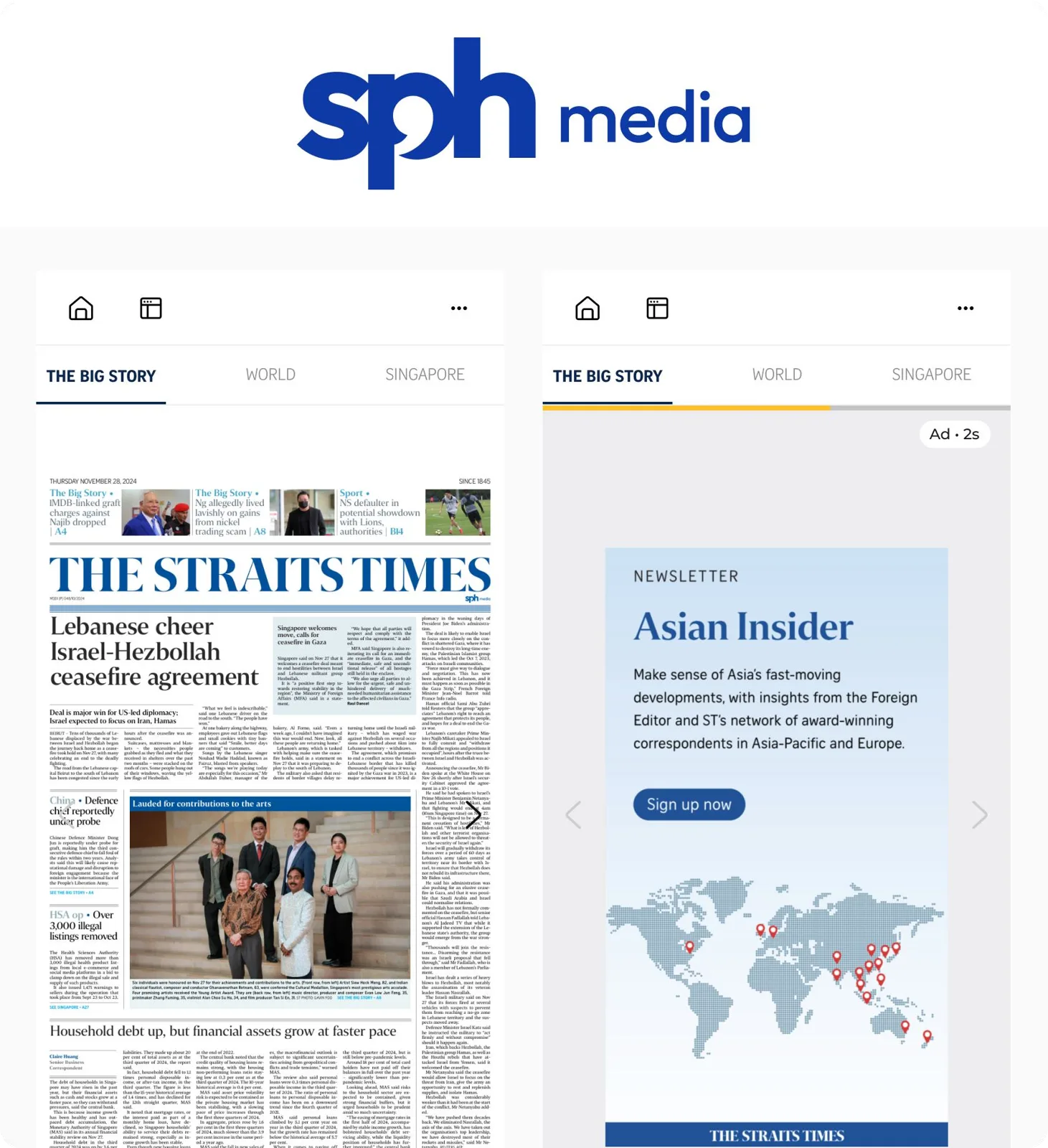
Case study 01 · SPH Media · SG · Website · E-Paper reader
Redesigning a 2-second wait into a moment users can see through
SPH Media’s E-Paper brings the newspaper reading experience to digital, page by page. Interstitial ads shown between pages were a high-priority revenue initiative, but persistent CSAT complaints suggested they were getting in the way of how readers turned pages.
- Role
- Senior Product Designer
- Platform
- Responsive website
- Scope
- Research, UX design, Prototyping with AI
- Result
- Monthly ad complaints in CSAT reduced from 8 to 1
Context
A navigation problem inside a revenue feature
I owned the end-to-end design strategy, working with the PM from problem framing through prototype delivery and alignment with product and leadership.
Problem discovery
Ads are the most frequent issue mentioned in CSAT
A Hotjar CSAT survey had been running for about 3 months on E-Paper, reviewed monthly with the product team. Ads were the top complaint category, flagged by 10% of monthly respondents for 3 consecutive months. We wanted to tackle the most severe problem to improve the E-Paper experience.
| Category | Average monthly mentions |
|---|---|
| Ads | 8 |
| Accessibility | 4 |
| Authentication | 3 |
| Paywall | 2 |
| Performance | 2 |
Method
- Exported all CSAT-related Hotjar survey responses as CSV
- Ran them through Gemini for cluster analysis of open-text feedback
- Validated the findings against the responses and their screen recordings
The initial fix
In parallel, the dev team raised a separate issue pointing at the same thing
Dev team observation
Users frequently misclicked the right chevron during the 2-second ad window.
The chevron was disabled, and users didn’t know that. So they tapped again. The problem was framed as “the chevron button is too small.”
Dev team proposed fix
Enlarge the chevron tap area. A PR was already drafted.
Well-intentioned, but it solved the symptom without asking why users were repeatedly tapping a disabled button in the first place.
Final solution
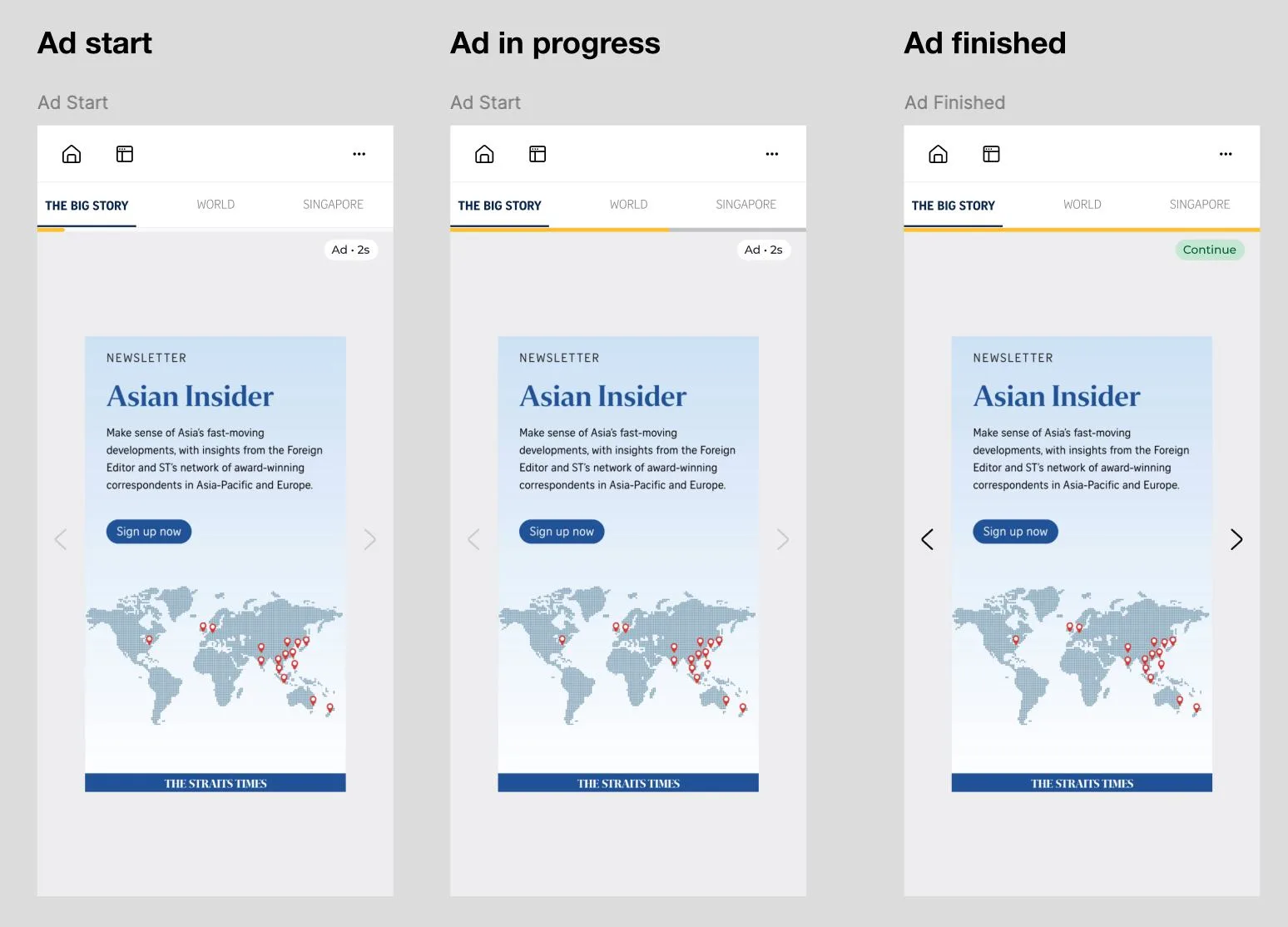
Give users a clear signal and assurance with a progress bar and countdown that show the end point
Validated with a working HTML prototype built in Claude. This clarity sped up the design process and got buy-in from product and engineering within a day.
Interactive demo · Same 2 seconds, different experience
Tap › to turn the page, then try tapping again while the ad shows.
Nothing tells the reader the wait is temporary, intentional, or bounded.
The reader can see where the wait ends, so the disabled state reads as a pause, not a failure.